


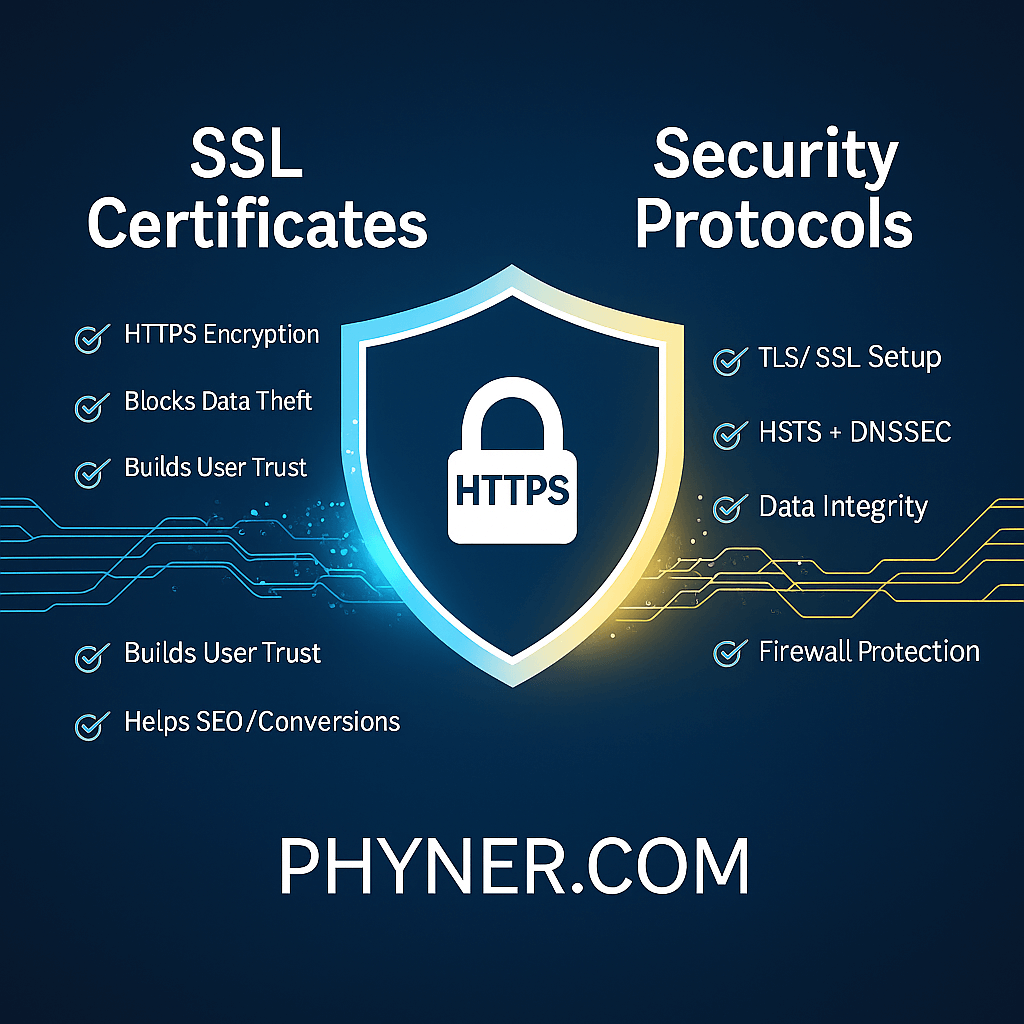
SSL Certificates & Security Protocols – Complete Guide to Secure Your Website
In the world of digital business, trust and security are everything. Whether a visitor fills out a contact form, logs into an account, or completes a payment, they expect one thing:
👉 Their data must stay protected.
That protection starts with SSL certificates and security protocols.
🔐 What is an SSL Certificate?
SSL (Secure Socket Layer) is a digital certificate installed on a website to:
- Encrypt data between the browser and the server
- Protect sensitive information (passwords, card details, personal data)
- Show users your website is safe via HTTPS + padlock icon
Without SSL, data transfers are plain text, making them easy for hackers to intercept.
✅ Why SSL is Crucial for Your Website
| Benefits of SSL | Explanation |
|---|---|
| ✅ Encrypts data | Blocks data theft and protects customer info |
| ✅ Builds trust | Visitors feel safe when they see HTTPS |
| ✅ Required for payments | Ecommerce & login portals must have SSL |
| ✅ Improves SEO ranking | Google prioritizes HTTPS websites |
| ✅ Data integrity | Prevents data tampering during transmission |
Google even marks non-SSL sites as:
❌ “Not Secure”
That alone can make visitors leave your website.
🔒 SSL vs TLS (Security Protocols Explained)
SSL and TLS are security protocols that encrypt communication.
| Feature | SSL | TLS |
|---|---|---|
| Older version | ✅ | ❌ |
| Better security | ❌ | ✅ |
| Recommended today | ❌ | ✅ |
💡 Modern SSL certificates actually use TLS, but people still call them “SSL.”
🛡️ Types of SSL Certificates
Choose SSL based on your business needs:
| SSL Type | Used For | Validation |
|---|---|---|
| DV – Domain Validated | Personal / small business sites | Basic verification |
| OV – Organization Validated | Business websites | Company verification |
| EV – Extended Validated | Banking, finance, ecommerce | Highest verification (green bar or EV display) |
| Wildcard SSL | Protect one domain + all subdomains | DV or OV |
| Multi-domain SSL (SAN) | Multiple websites | OV or EV |
🌐 How SSL Encryption Works (Simplified)
- User visits your site
- Browser requests certificate verification
- Server sends SSL/TLS certificate
- Browser verifies it and starts secure encrypted connection
Result:
✅ Nobody can intercept or view transmitted data
🚀 Installing SSL – Step-by-Step
- Purchase or issue an SSL certificate
- Generate CSR (Certificate Signing Request)
- Validate domain/organization ownership
- Install SSL on hosting/server
- Force HTTPS via hosting panel or
.htaccess
Most hosting providers now offer FREE SSL via Let’s Encrypt, perfect for small businesses.
If you’re using platforms like Cloudflare, SSL can be activated directly from dashboard.
🛠 Additional Security Protocols to Implement
| Protocol | Purpose |
|---|---|
| HTTPS Redirect | Forces encrypted connection |
| HSTS (Strict Transport Security) | Prevents SSL stripping attacks |
| DNSSEC | Protects domain from hijacking |
| Firewall + Malware Protection | Blocks attacks before they reach your server |
A secure website isn’t just SSL, but a full security ecosystem.
💡 Why SSL Helps SEO & Conversions
- Google ranks HTTPS websites higher
- Users trust secure websites more
- Conversion rates increase when visitors see the padlock icon
In short:
👉 SSL = More trust → More sales → Better ranking
🔧 Need SSL Installation or Security Setup?
If you want a secure setup without technical hassle, Phyner can help with:
✅ SSL Installation
✅ DNSSEC + HTTPS configuration
✅ Security monitoring
✅ Server protection and optimizations
“We make your website secure, trusted, and ready for business.”
Final Thoughts
SSL certificates are no longer optional — they are mandatory for professionalism, trust, ranking, and security. From personal blogs to ecommerce stores, every website needs HTTPS.
With the right SSL certificate and correct security configurations, you can:
- Protect customer data
- Build brand trust
- Improve SEO performance
- Prevent cyberattacks
